Evaluate before recommending
Compare the store’s goal with each application’s documented scope. Automatic promotional gifts and customer-selected wrapping are distinct workflows. Pricing, features and eligibility depend on the currently published Shopify listings and the merchant’s configuration.
- Identify the client's storefront theme and main cart or checkout route.
- Read the relevant installation and configuration guide.
- Check the app's current pricing and plan terms in Shopify.
- Test the complete shopper journey with real theme settings before enabling a live campaign.
- Confirm the order and checkout behavior, not only the appearance of a widget.
Implementation checks
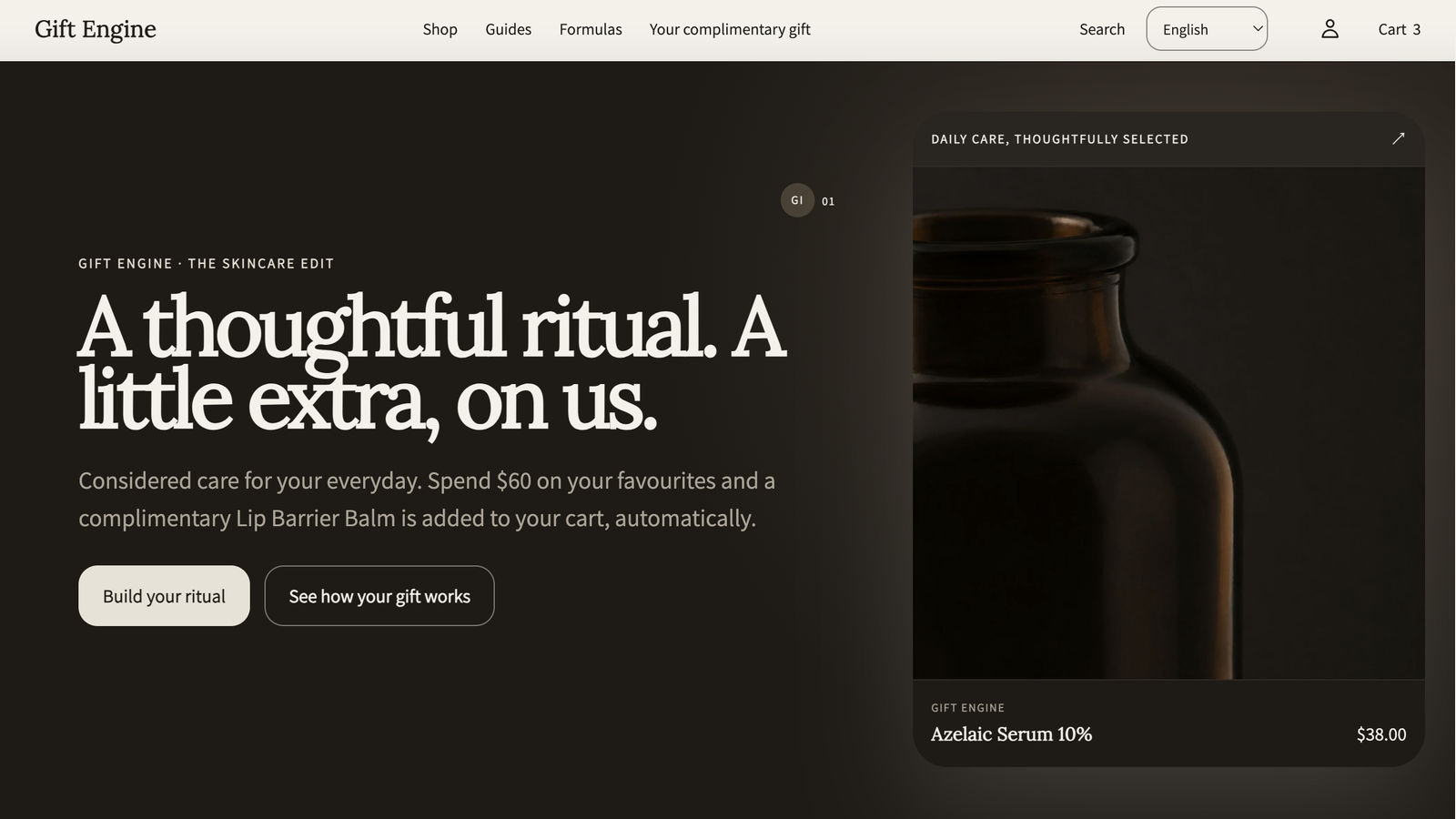
Gift Engine
Check campaign eligibility, gift inventory, theme app embed, discount combinations and final checkout pricing. Test that gifts are removed if the cart no longer qualifies.
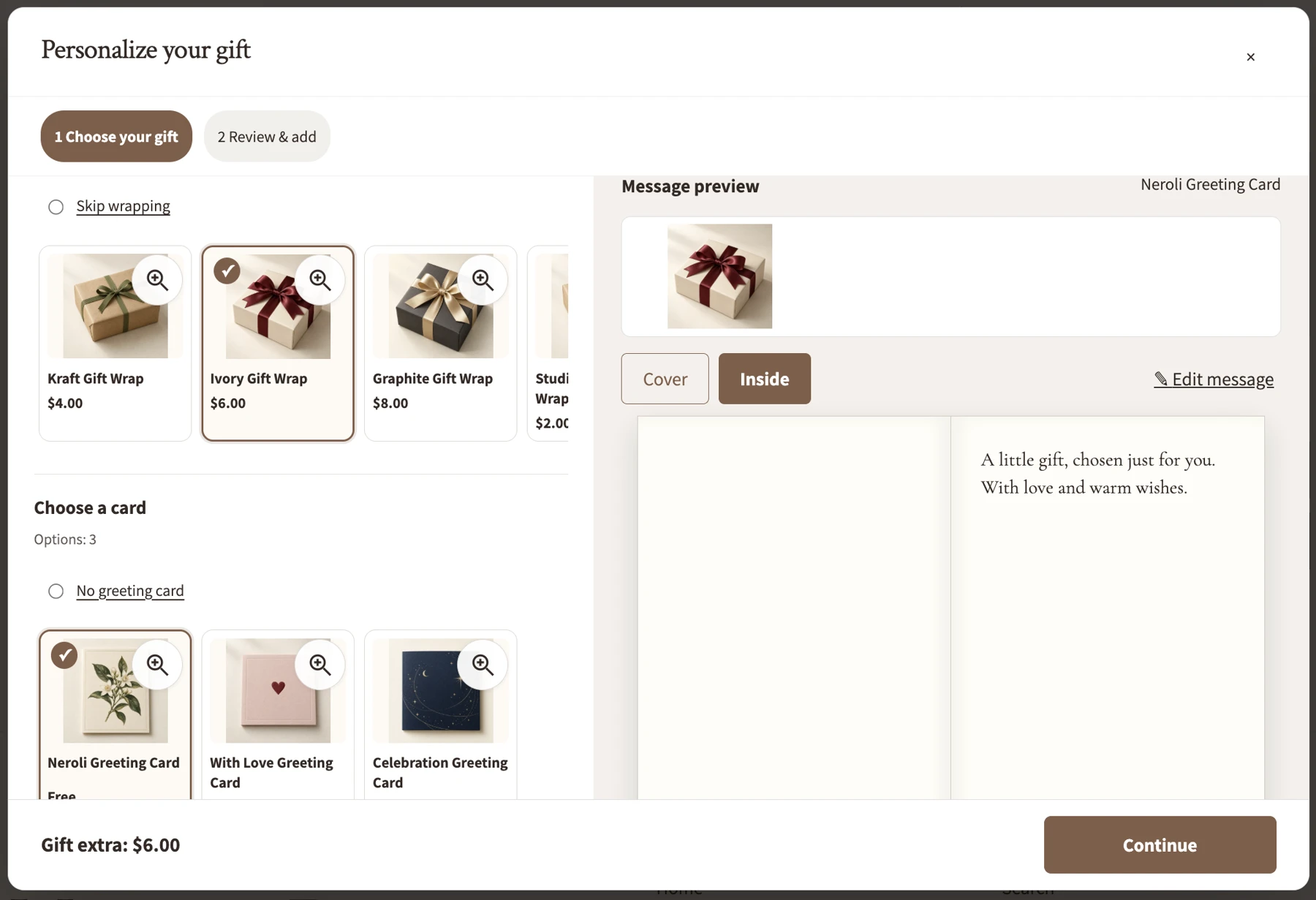
Gift Wrap & Messages
Configure the Gift options app block in the cart. Check actual card and wrapping availability, message previews and the merchant preparation workflow. Direct checkout routes such as Buy it now can bypass cart-based gift choices.
Working on a client store?
Ask about theme compatibility, setup expectations or supported features through our existing support channel. Please do not send passwords, API tokens or customer personal data.
Contact MindFlash Studio ↗
Independent developer. This resource is intended for agencies and Shopify specialists. It does not represent Shopify accreditation or an active paid referral commission programme.
 MindFlash Studio