 MindFlash Studio
Your wrapping & cards
Create or link the actual materials you supply. Set images, prices and availability.
Give shoppers a choice of wrapping and greeting cards, let them add a personal message, and keep gift preparation organized in Shopify.
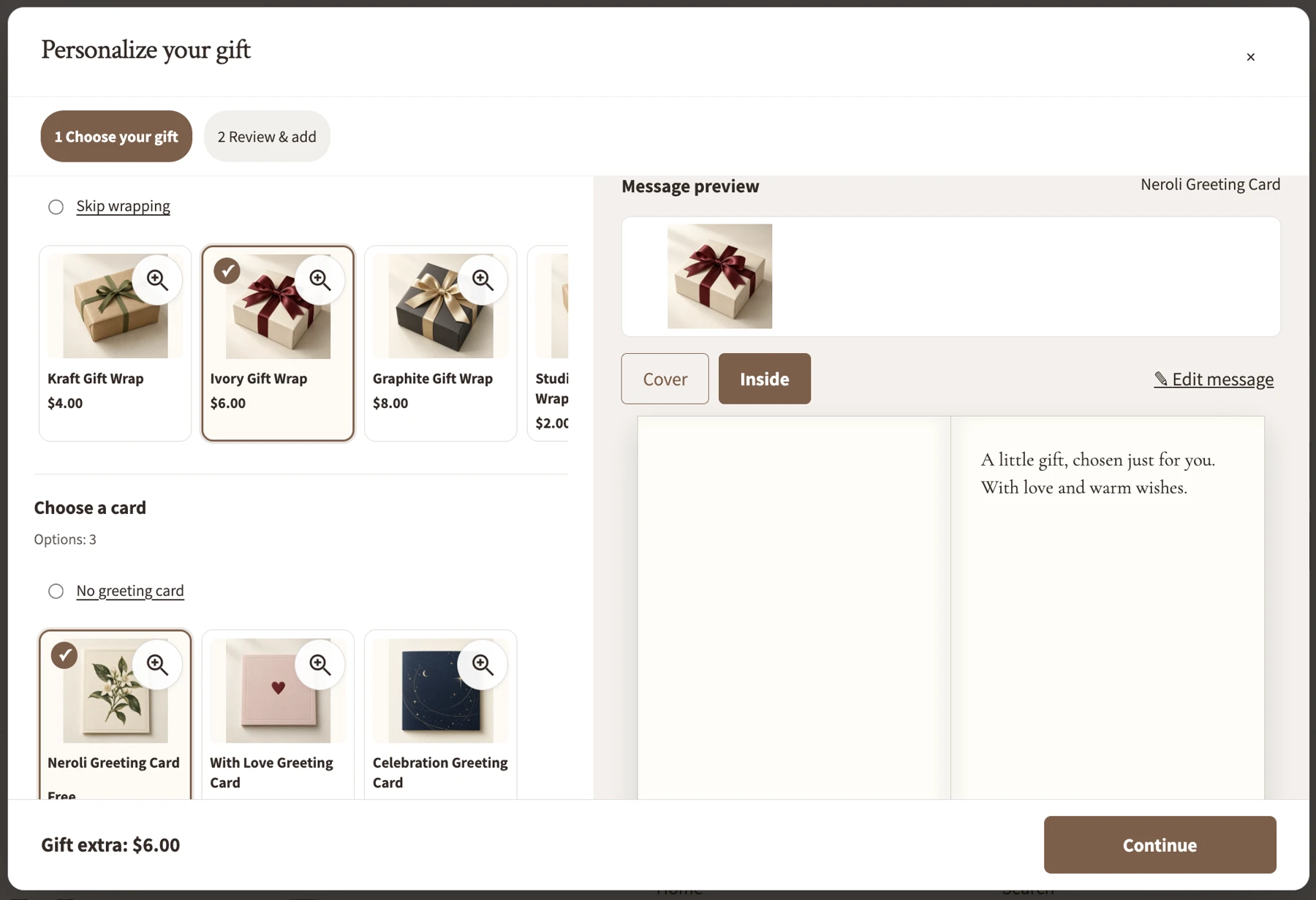
Create or link the actual materials you supply. Set images, prices and availability.
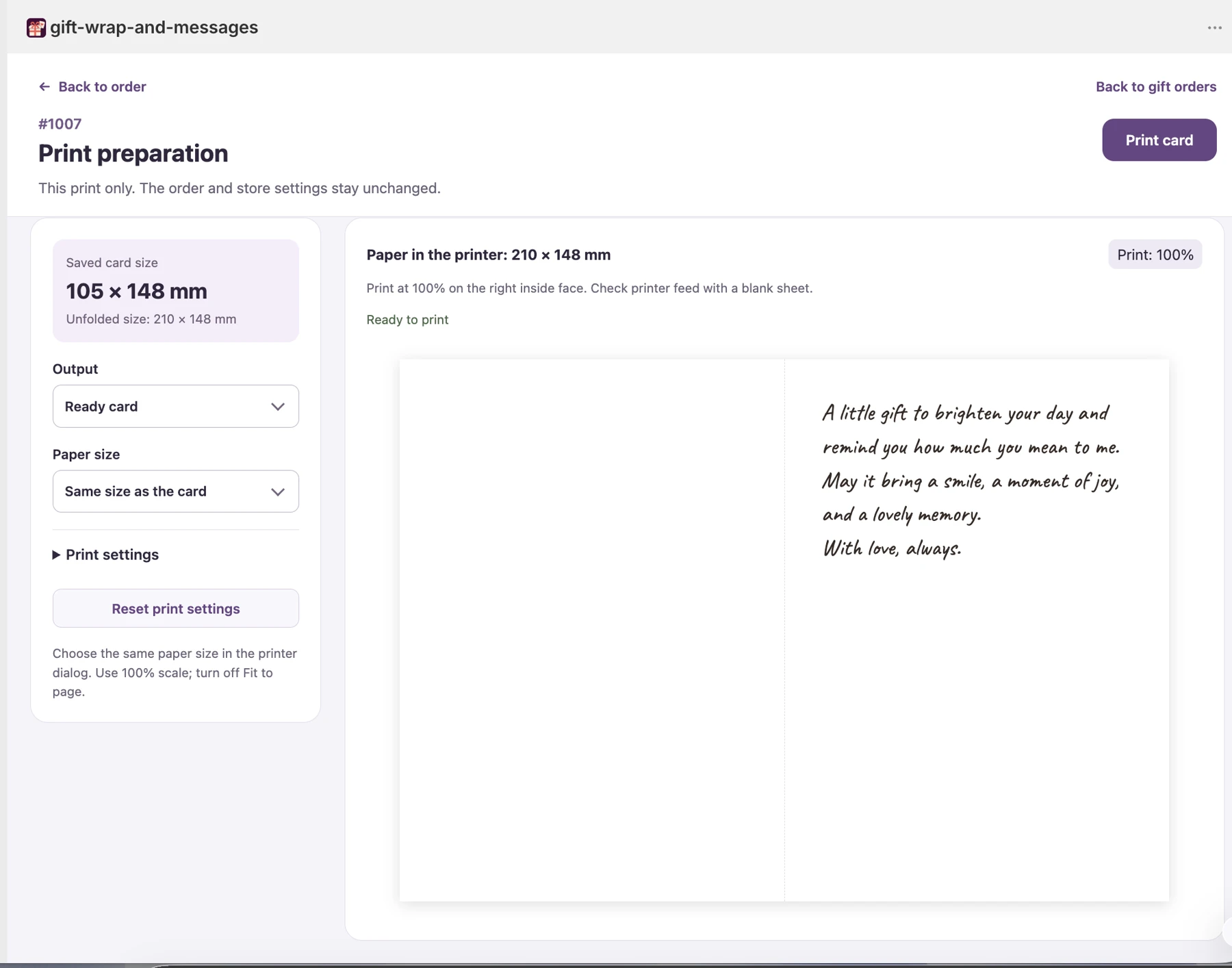
Save the greeting with the order. Prepare a handwritten message or a supported card print.
Follow preparation status and examine gift-option sales with coverage and source details.
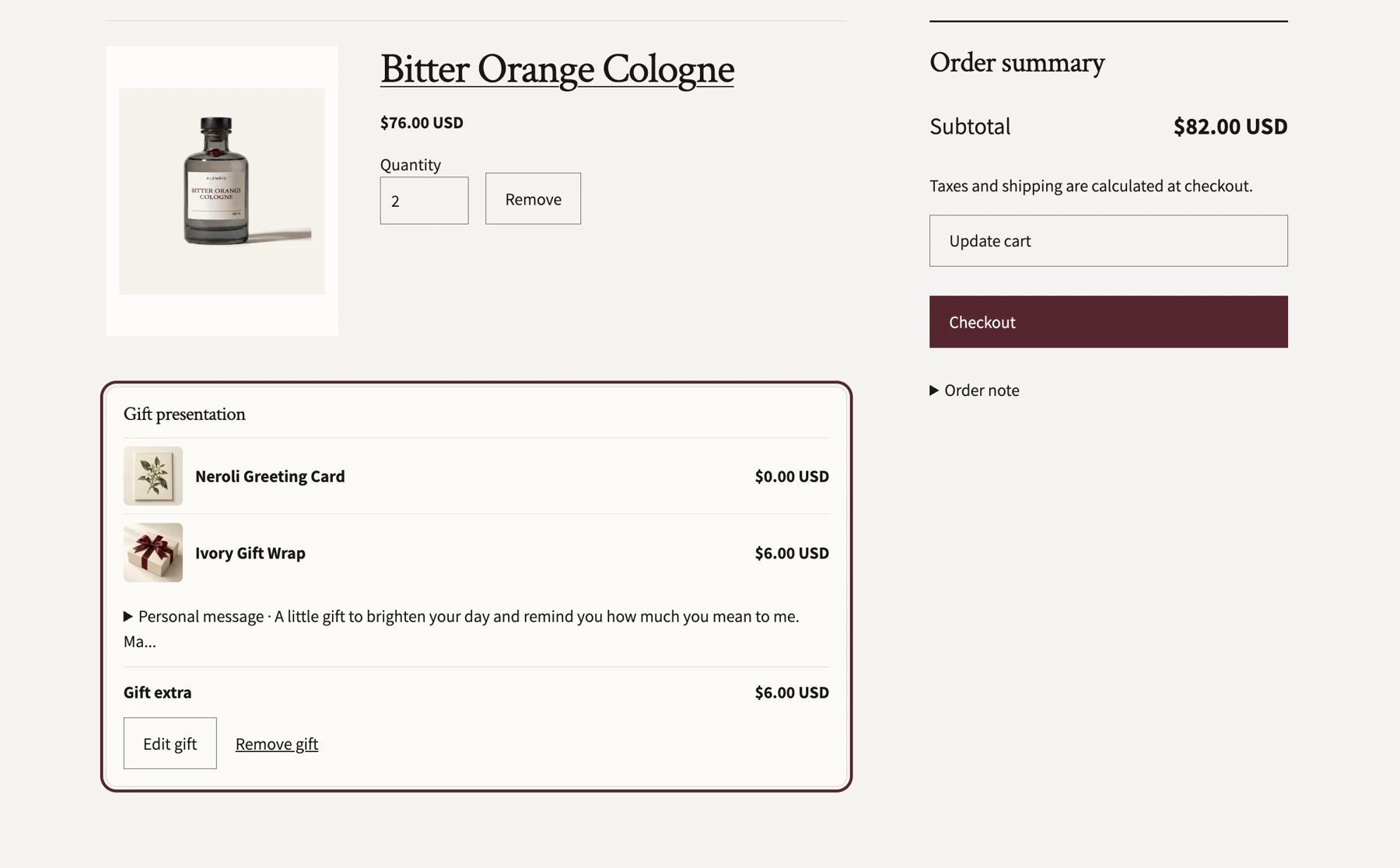
The cart displays the selected card, wrapping and message, with options to edit or remove the gift configuration.
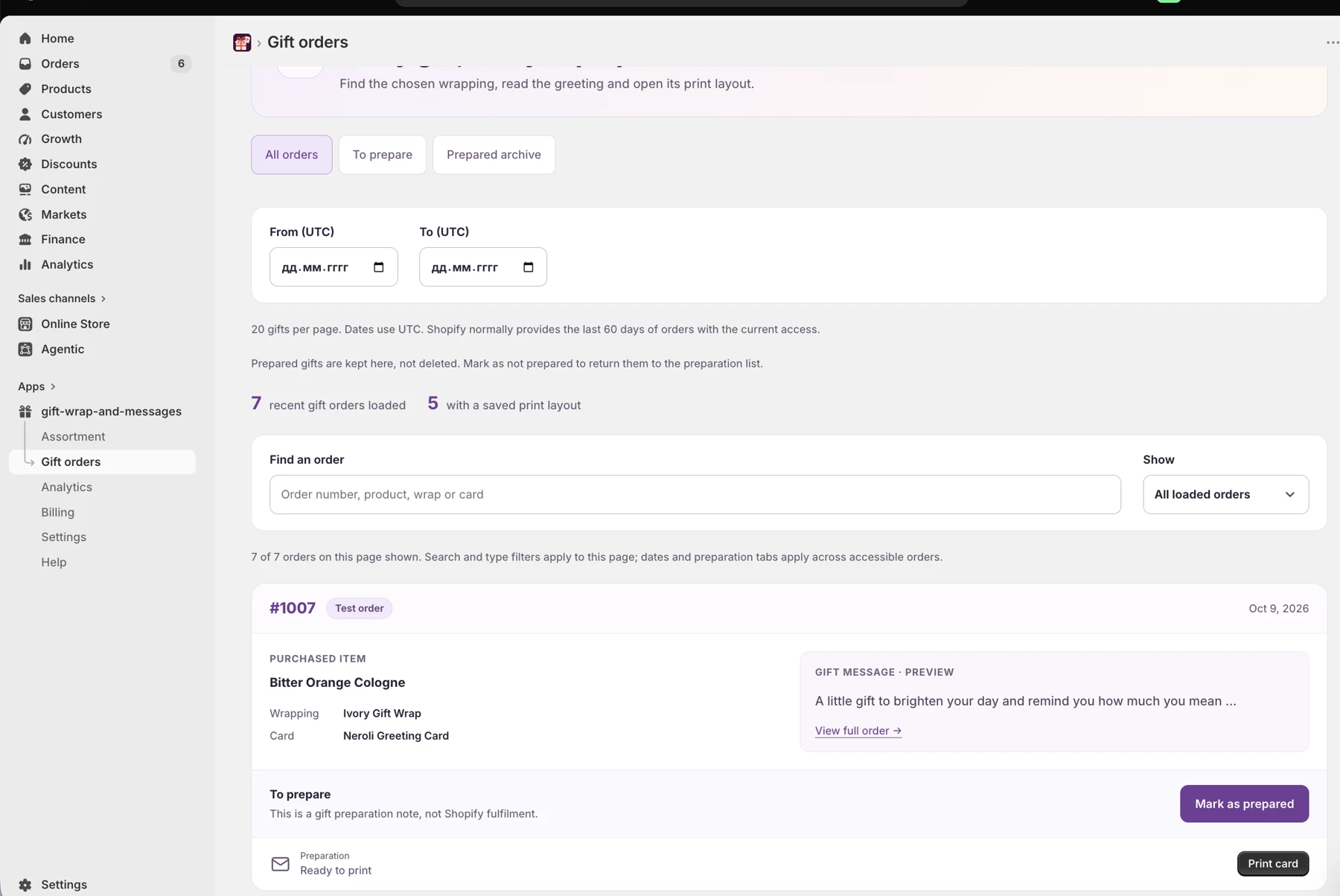
Review gift orders, read the full greeting and mark the preparation status. A preparation mark is separate from Shopify fulfillment.
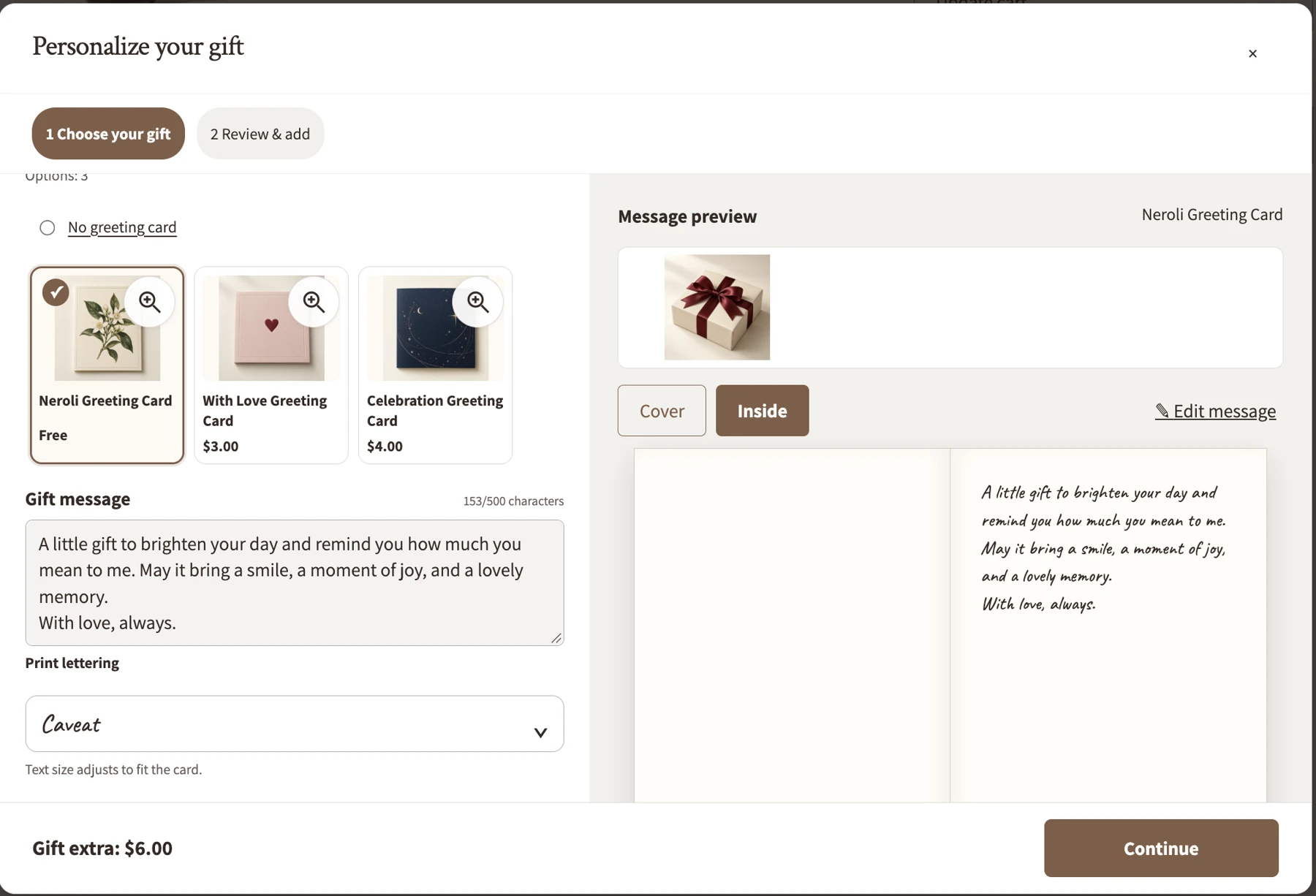
The shopper writes a message and reviews the chosen card. Font and layout options depend on the card configuration.
Manage wrapping and cards from Assortment. Add real images and prices; edit, reorder or disable options.
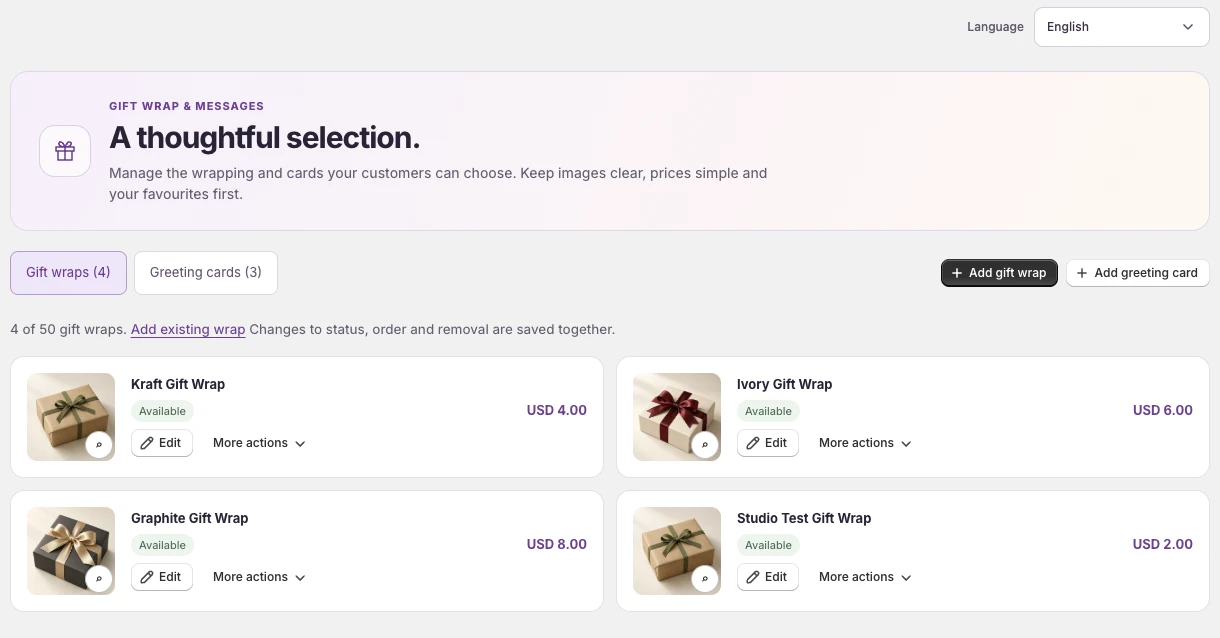
Read the complete greeting and recorded preparation method. Check the card size and print at 100% scale on your own printer.
The chooser is a cart experience. “Buy it now” and other purchase paths that bypass the cart also bypass these choices. Placement depends on your theme and cart markup.
Gift Wrap & Messages is being prepared for public release. Contact the studio for availability. The installation link will be added when the public listing is confirmed.
Read documentationSetup and practical operating guidance.
DocumentationUse the verified contact for this application.
SupportPrivacy, terms and product-specific documents.
Legal documents